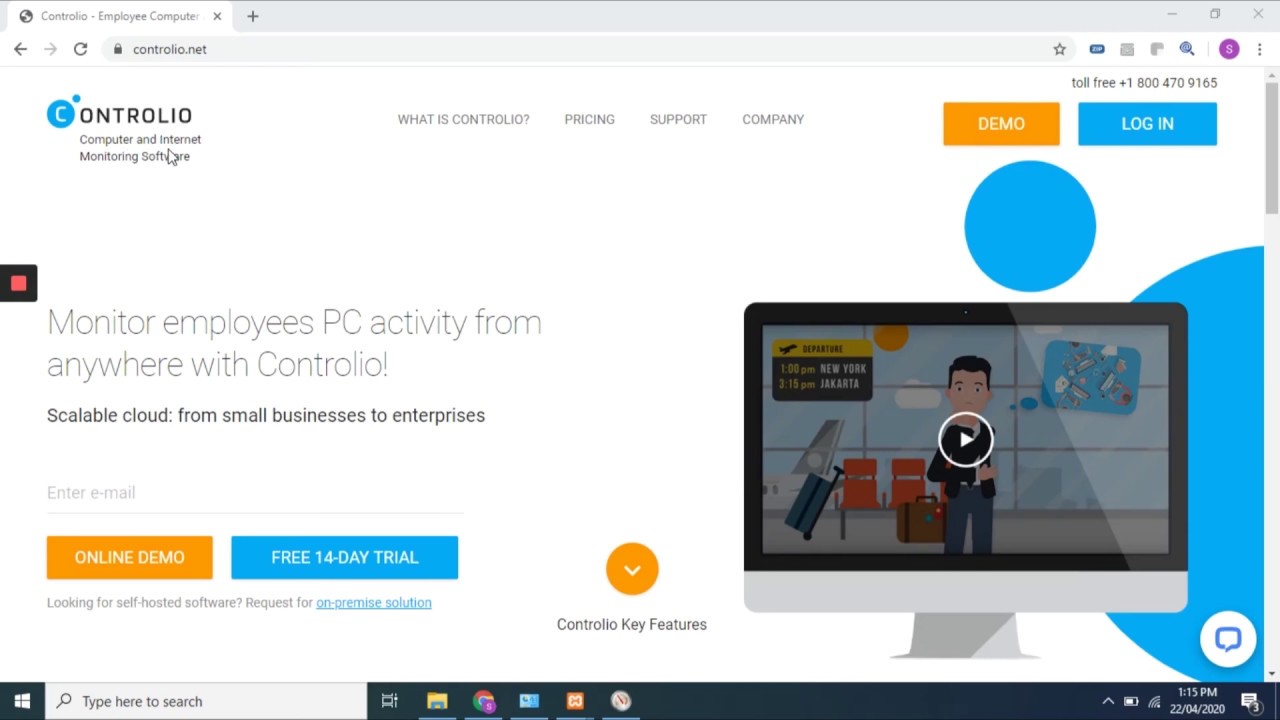
Controlio software pairs basic time tracking with deeper activity monitoring and security features. Teams often weigh it against Time Doctor when they want more than just hours logged. Controlio software focuses on full workforce visibility. Time Doctor keeps the scope tighter around time, tasks, and AI comparisons.
The split shows up fast in what each tracks and how you deploy it.
Main differences between Controlio and Time Doctor
Controlio adds screen recording on rules you set, keystroke logs, email monitoring, and behavior analytics that spot risky patterns. It supports on-premise servers and private cloud installs. This setup helps teams with strict data rules or compliance needs.
Time Doctor centers on automatic time capture, project breakdowns, and AI benchmarks that match your team’s performance to similar groups. It includes signals for work-life balance and meeting load. The tool stays lighter on security layers and runs mainly in the cloud.
One side gives you broader oversight. The other stays practical for straightforward tracking. You notice the gap most when a team grows past ten people or starts handling regulated information.
Feature comparison
Here is how the core features line up.
| Feature | Controlio | Time Doctor |
| Automated time tracking | Yes | Yes |
| Idle time and productivity scores | Yes | Yes (plus AI benchmarks) |
| Screen recording | Yes, rule-based | Yes |
| App and website monitoring | Yes | Yes |
| Email and communication tracking | Yes | Limited |
| Keystroke logging | Yes | No |
| Data loss prevention and behavior analytics | Yes | No |
| On-premise or private cloud deployment | Yes | No |
| Custom rules and alerts | Yes | Basic |
Screen recording in Controlio only kicks in when you define triggers. This avoids constant filming while still capturing moments that matter, like unusual file activity. Time Doctor tends to record on a schedule in its plans.
Controlio in practice
Controlio logs attendance, breaks, overtime, and billable hours without manual entry. Managers get live screen views or playback of past work. The analytics score focuses time against distractions and flags bottlenecks in workflows.
Agencies and law firms have used these reports to trim admin hours on payroll. Some setups showed teams handling more client work after they spotted where hours slipped into low-value tasks. Results depend on how managers act on the data.
You set the triggers yourself. For example, record sessions only when certain apps open or file sizes exceed a threshold. The security side watches for odd patterns, such as large transfers or access to private emails. Teams that handle client records often value this layer once they face audits or past incidents.
You can install it on your own hardware if cloud options conflict with your industry’s data rules. That flexibility shows up for larger or regulated groups.
Time Doctor in practice
Time Doctor captures hours automatically or through manual mode. It sorts time by apps, sites, and specific projects. The AI benchmarks let you see where your group stands against peers in the same line of work.
Work-life metrics highlight overload risks before burnout hits. Meeting insights break down how much time disappears in calls versus focused work.
This approach works well for distributed teams that need clean visibility into output without adding heavy monitoring. Smaller groups roll it out quickly and skip the extra setup steps that come with advanced rules.
Pricing and trial options
Time Doctor starts near $8 per user per month on the basic plan. Standard and premium tiers add more reports, AI tools, and features, with costs rising toward $20 per user.
Controlio uses straightforward pricing that scales with team size and deployment choice. A 14-day trial covers up to 10 users so you can test the full set of tools. Rates stay competitive for what it includes, though you should pull current quotes from their site for your exact headcount.
Picking between Controlio and Time Doctor
Match the tool to the problems you actually face. Pure time tracking and AI peer scores often suffice for smaller remote teams focused on project hours and output balance. Time Doctor handles that without extra weight.
But teams in legal, finance, or any field with sensitive data usually need more. Controlio’s DLP tools, keystroke logs, and on-premise option close gaps that basic tracking leaves open. The rule-based recording cuts noise while still providing evidence when questions arise.
For a five-person startup, the advanced alerts might go unused at first. A fifty-person hybrid team in a regulated field often treats the extra DLP rules as non-negotiable during audit season. Some groups start simple and add layers after they hit a snag with productivity leaks or a compliance review. Others begin with full monitoring and relax the rules once patterns stabilize and trust builds across the team.
Test both on a pilot group of five to ten people. Check which reports your managers actually open and use. Extra data only helps when it drives real changes in how work gets done.
Final words
Controlio software suits teams that want time tracking plus monitoring depth and security in one package. Time Doctor fits setups that need reliable hours, task visibility, and AI insights without broader oversight. Run short trials on both. The better fit shows up in the reports and alerts your team engages with every week.